Jobsite Management Made Simple
BuildersOnSite
"Our Supers Each Spend Over 18 Hours Per Week Tracking and Coordinating Subs"
WHY WILL SUBS USE IT?
GC's: "We spend over 18 hours a week trying to coordinate our Subs and we struggle to get progress updates and photos."
SUBS: "If we work with 5 GC's we need 5 different Apps the headaches of Logins and Passwords...no thanks."


No App, No Login, No Password
Immediate Access to Selections or Project Files
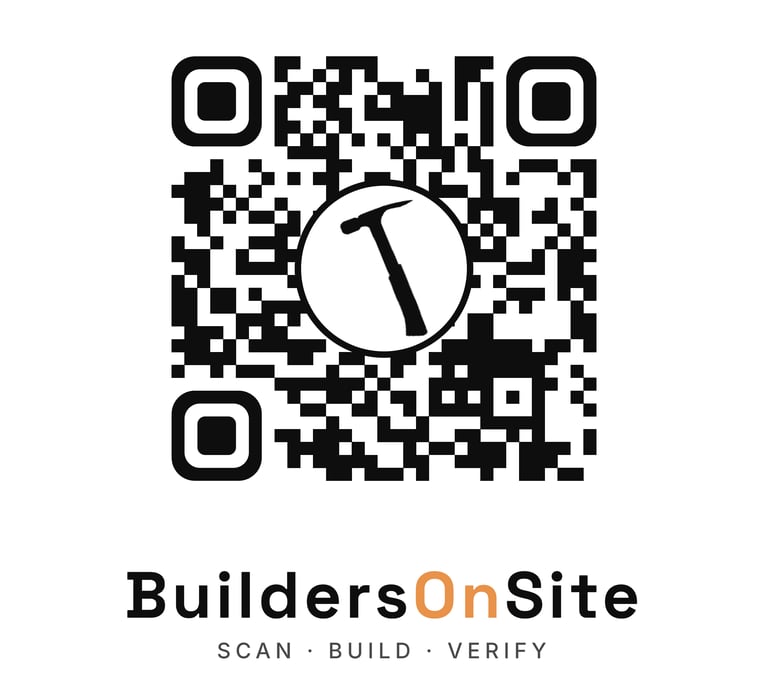
Scan the QR Code --> Checked-In or Checked-Out in 15 seconds.
Evidence based proof of progess = Easy "Before" and "After" Photos
Simple AI voice to text notes and slider bar % completion
Assign To-Do's with automatic email to GC, Super or Admin
HOW IT WORKS

STEP 1 - Scan the QR code
STEP 2 - Select "Continue with Google" or "Sign Up"
STEP 3 - Set up Company Info, Add a Job, Add a Task, Add a Sub
SUB MANAGMENT
Subs work for many Contractors and they don't want to have an app for every contractor. So we made it easy. They scan a QR code, choose a task, snap a picture in less than 15 seconds. When they are ready to check-out they scan a QR Code, snap another picture and if they want, leave a Voice or Text message. They can even send you a "to-do" they need from you.
Your owners want to see proof of progress. So you and your subs comb through texts, emails, and hand-written notes to write a daily or weekly log. With some help from AI and the data and photos you now get from the Subs, you can get more work done while your logs are automatically written for your review.
"I am onsite and I need you to send me the file that shows the thickness of the tile selected." -Electrician to the GC or the Admin. The Sub didn't download an app where your Admin already uploaded the file, so they call your office. Your office has to drop everything, find the file and send an email. Not anymore, the Sub scans a "Selections" QR Code and has immediate access to the file.
DAILY LOGS
SELECTIONS FILE SHARING
Build for Builders
BuildersOnSite simplifies managing subs.daily or weekly logs, and file sharing, so your Subs, Supers, and Admins save time.


150+
By pros
15
Trusted daily
Our Services
Helping General Contractors manage subs, supers, To-Do's and files with ease.
File Sharing and To-Do's
Subs are onsite with a mobile phone, but need access to important files. Right now they call your Admin and then wait for an email. Now they scan the QR Code have instant access to all the files they need. Rather than calling you or your Super for something they can just send a To-Do when they Check-in or Check-out and you get an email and a due date reminder.


Sub Management
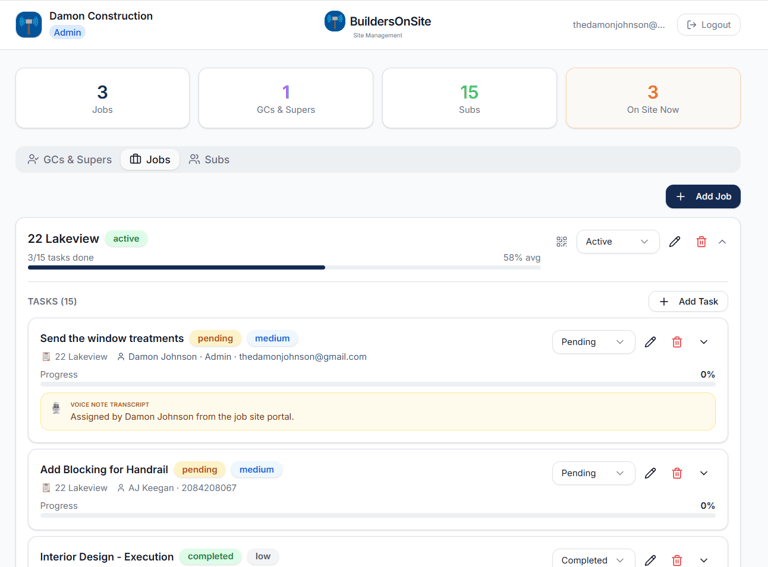
With a Real-Time Dashboard you can see Subs On Site and Complete Task List.
Stay Connected
Get updates on tools for better builds